




Alerts
Gifts, follows, likes, and shares — celebrated on screen the moment they happen.
1 free live hour every day — resets at midnight. Paid plans remove the cap.
More audience.. Bigger engagement.. Fuller earnings
Platform
Tried the preview above? Open each feature page for the full guide and detailed preview.
Gifts, follows, likes, and shares — celebrated on screen the moment they happen.
Live supporter and tapper boards on your stream.
Three live challenges that boost gifts and engagement on screen.
Goals, actions, TTS, and TikTok Studio setup.
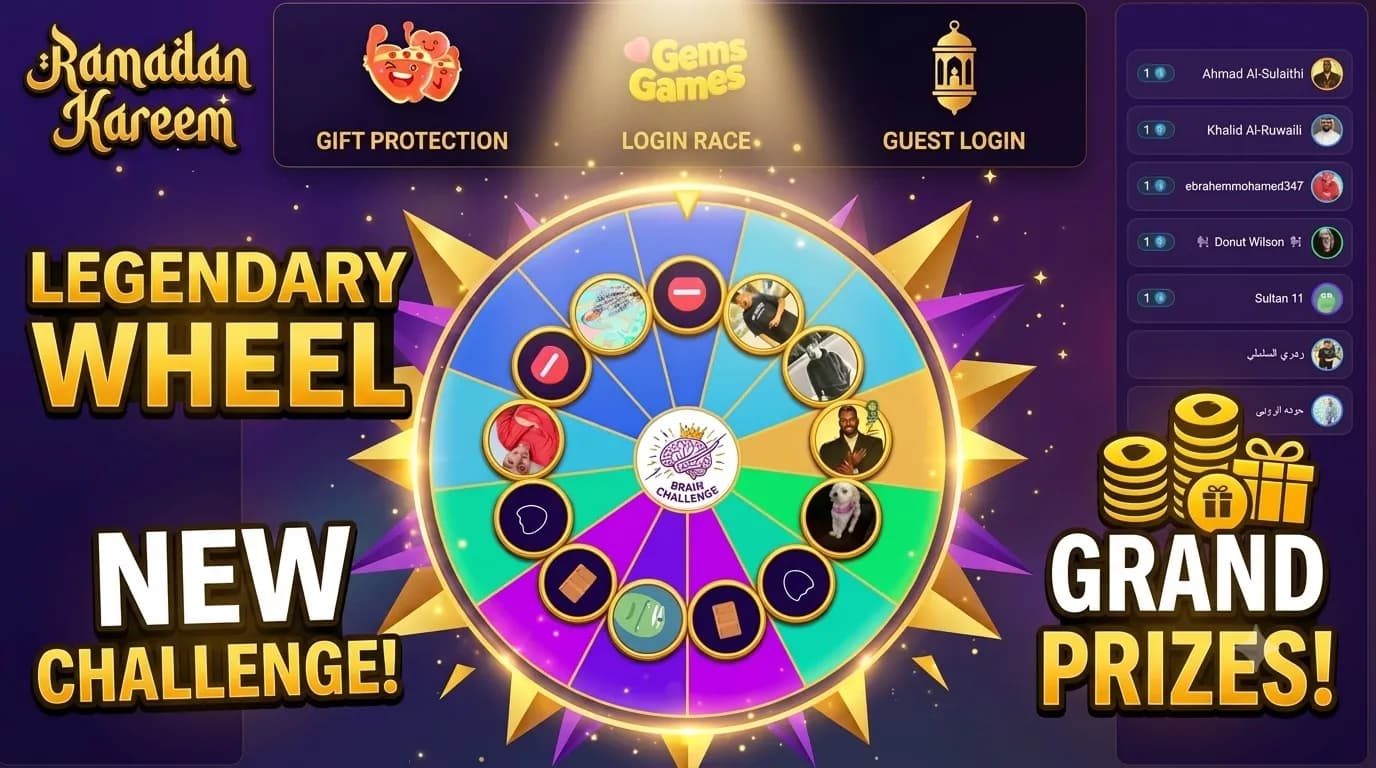
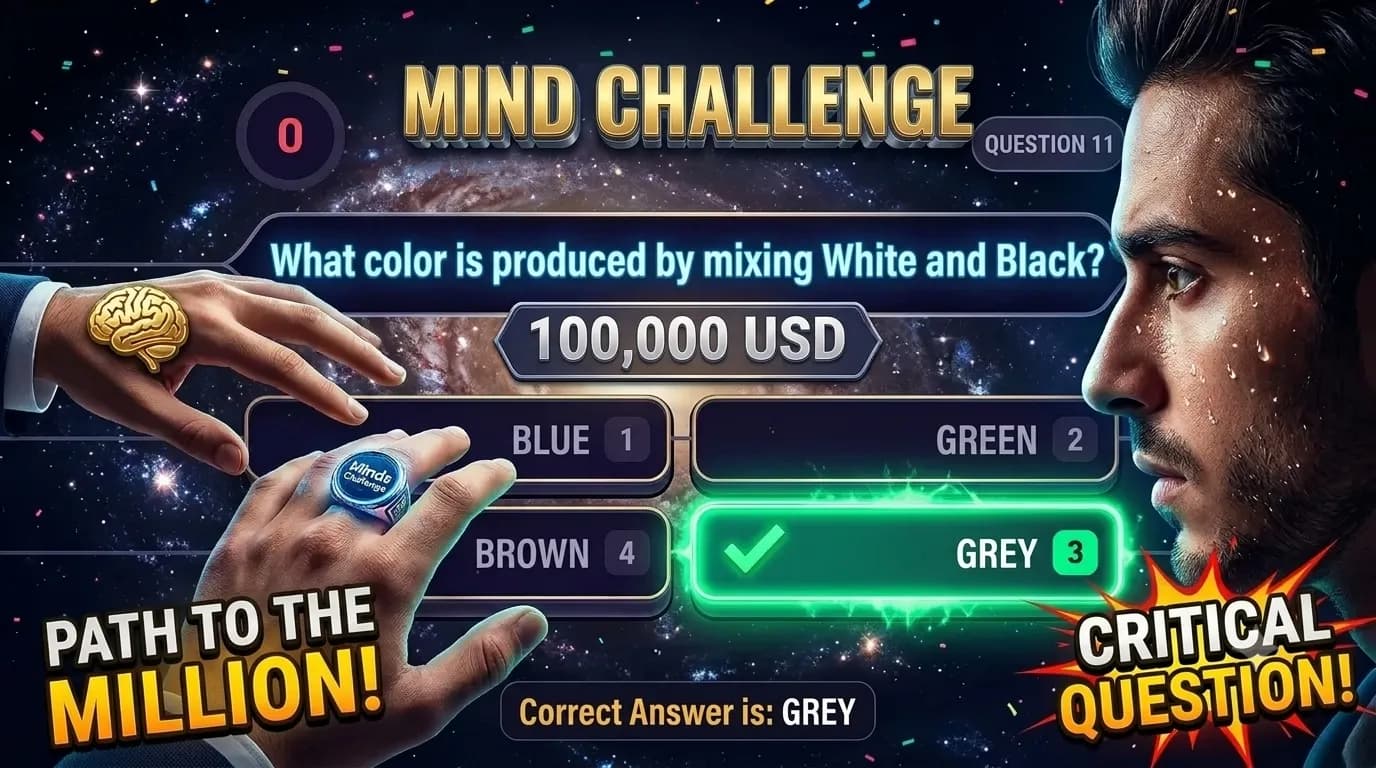
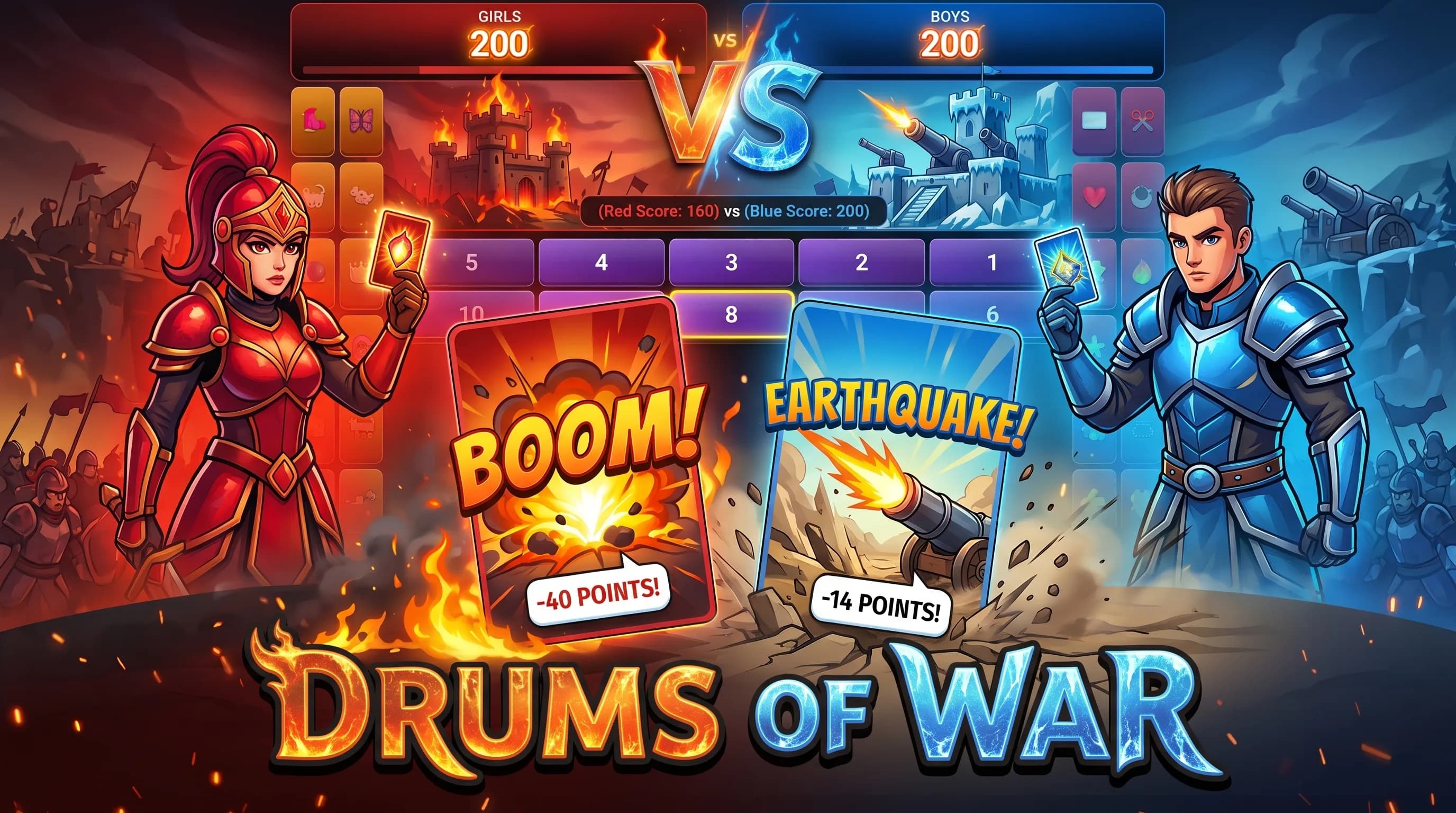
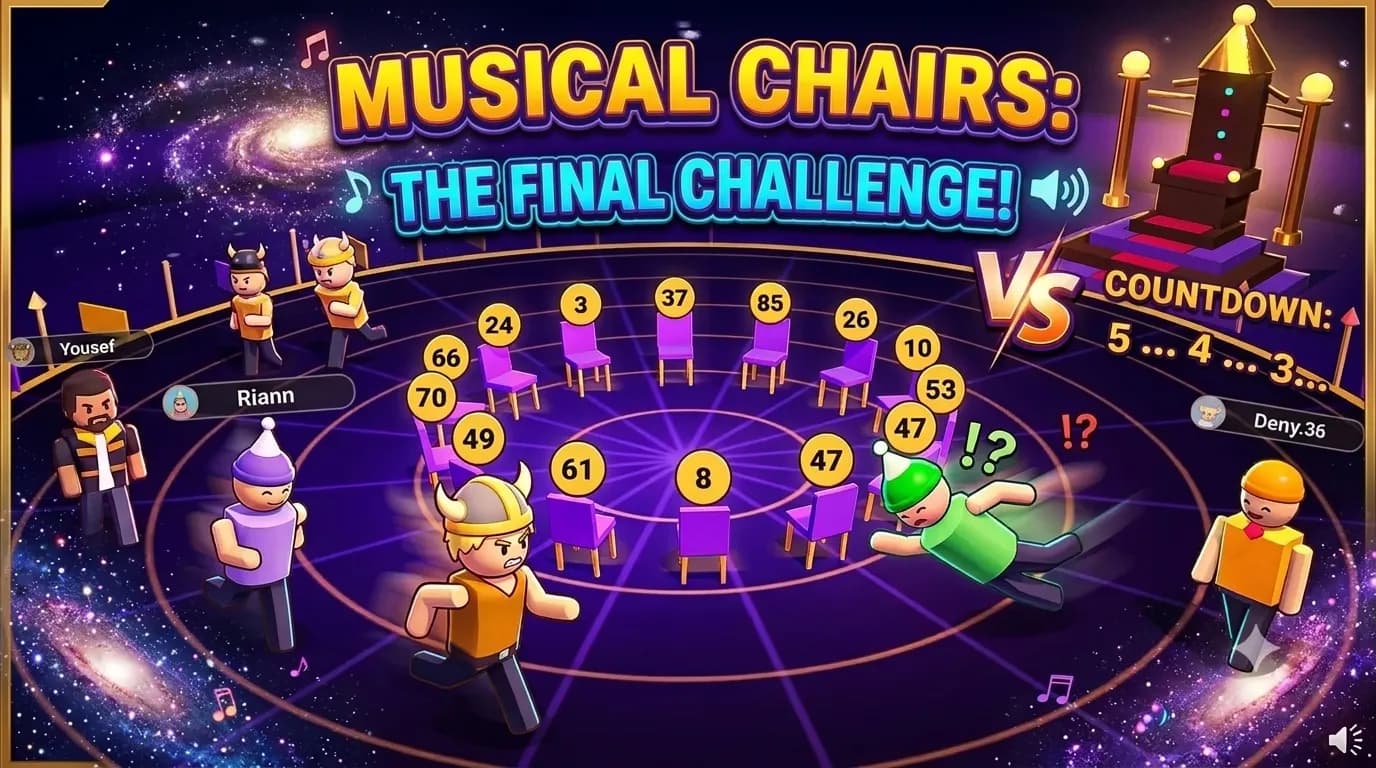
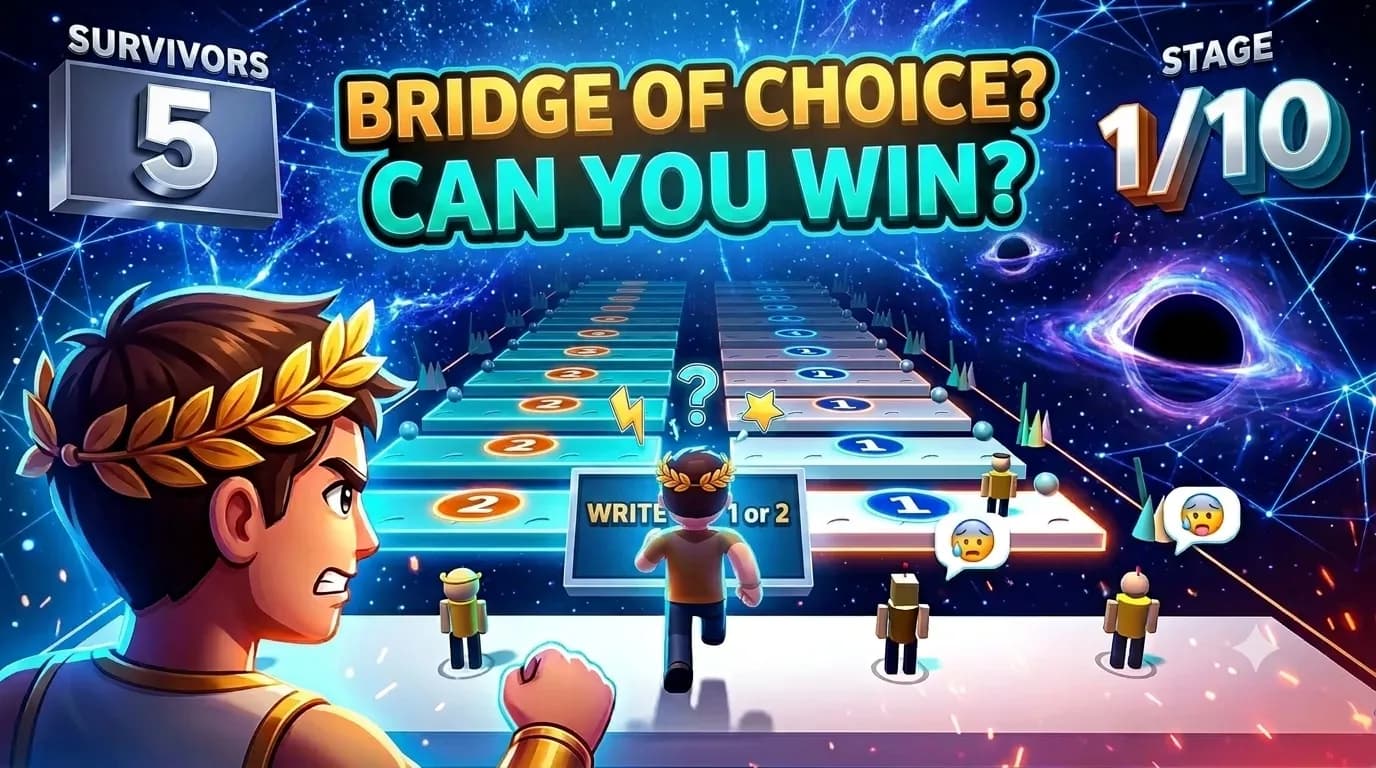
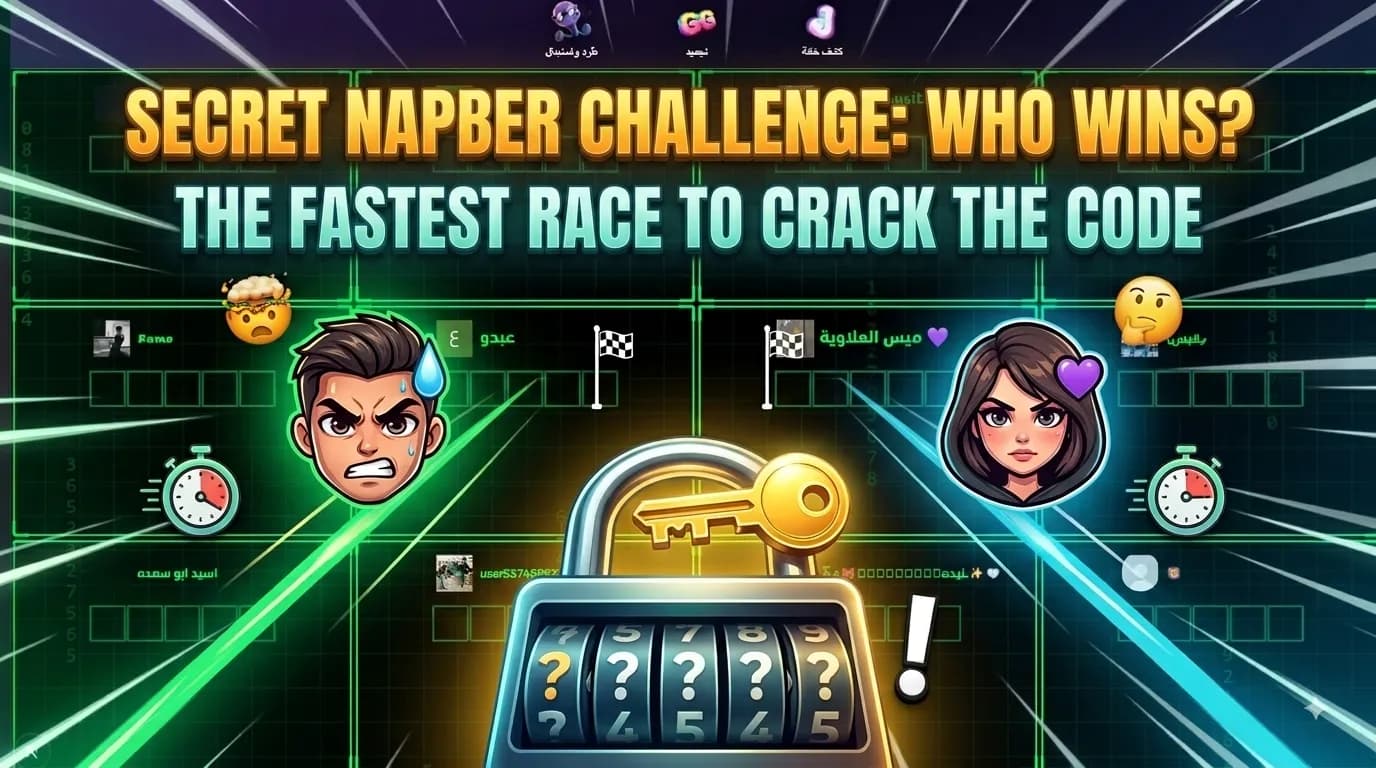
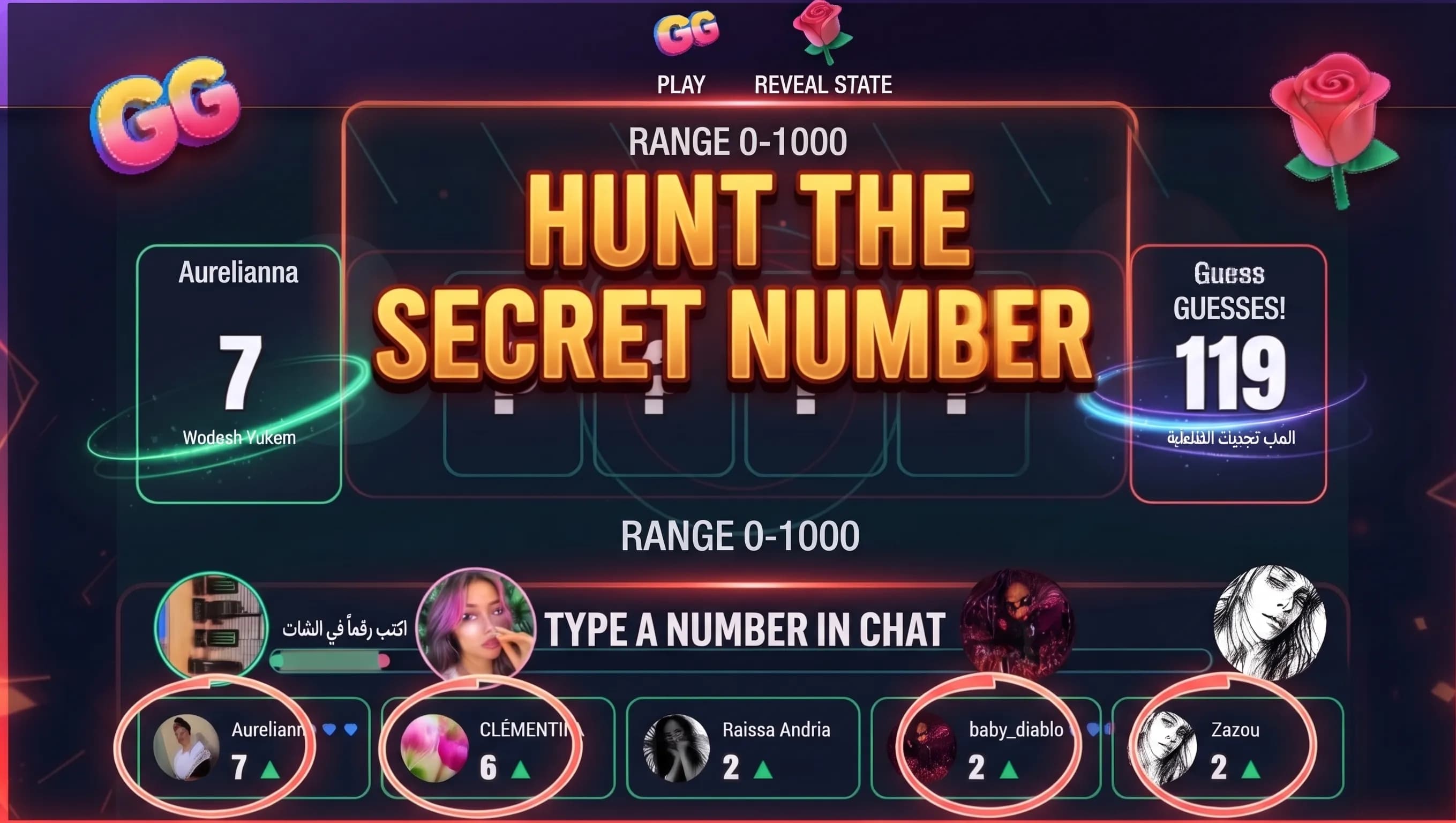
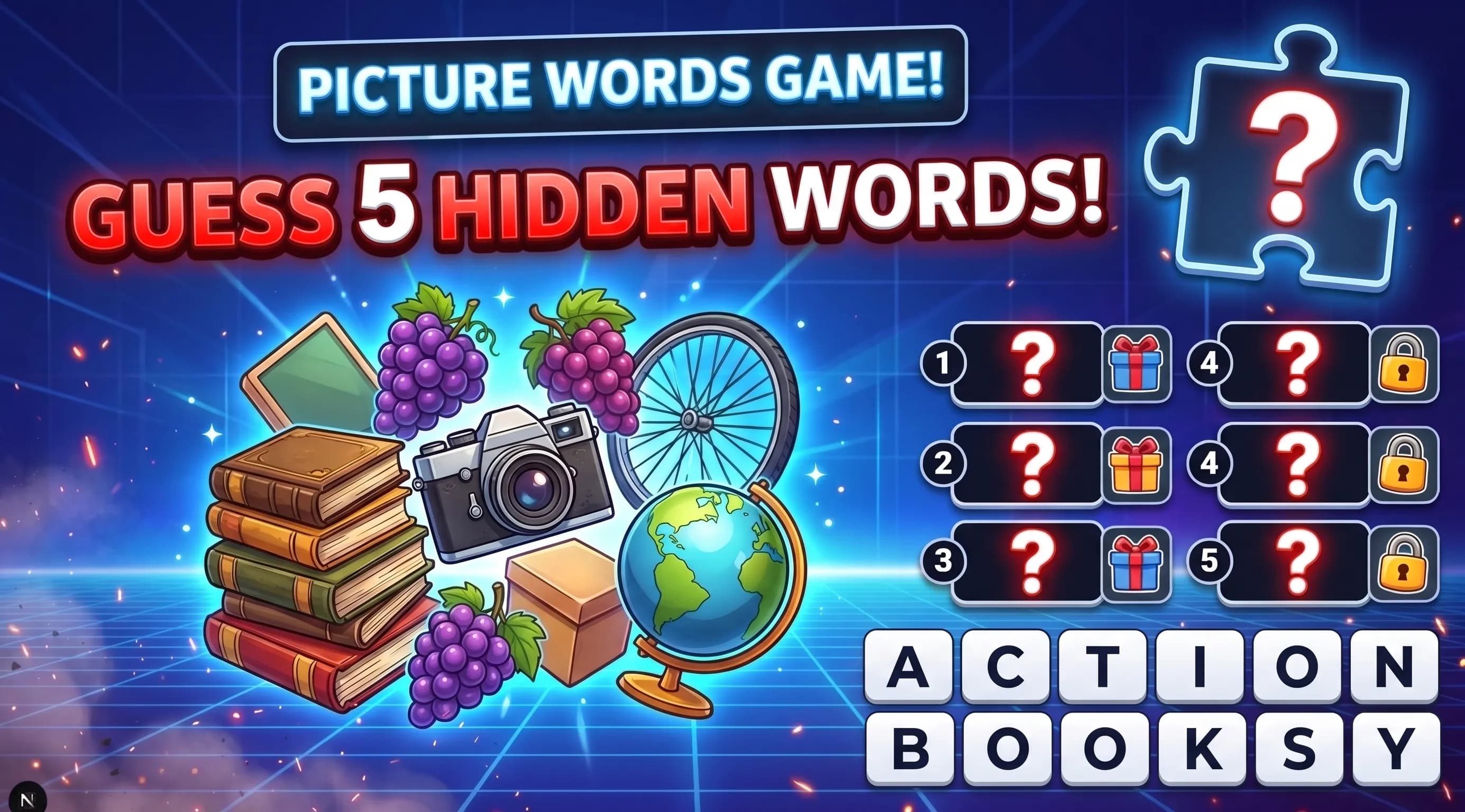
Interactive audience games — ready for TikTok Studio and TikTok LIVE.
How streaming setup works
Copy a Browser Source URL from TikRig and paste it in TikTok LIVE Studio or TikTok Studio — updates are instant while you stream.
01
Pick a type, customize appearance, and enable it from your dashboard.
02
Each overlay has a unique link — copy it in one click.
03
Browser Source in TikTok LIVE Studio (or OBS Studio) — every interaction shows on screen instantly.
Referral program
Every subscriber gets a referral link. Invite creators, pay for them at a discount, and earn commission when they buy — then withdraw with the same payout methods.
Your own link
Share /r/yourname — signups within 30 days attach to you.
Discount + commission
Discount when you pay for a referral; commission when they buy themselves.
Wallet & payouts
Commissions stack up — withdraw via PayPal or Binance.
FAQ
Quick answers about TikRig and TikTok LIVE Studio setup.
TikRig is a TikTok LIVE engagement platform with interactive TikTok games. Connect your account, create overlays (alerts, rankings, goals, challenges, games), copy the Browser Source link, and add it in TikTok LIVE Studio — updates appear instantly on stream.
Sign in, create or enable an overlay in the studio dashboard, copy its Browser Source link, and add it as a Browser Source in TikTok LIVE Studio.
Yes. TikRig listens to your live room events — gifts, likes, follows, shares — and triggers overlays and automations instantly.
Create your account and start with 1 free live hour every day. Paid plans remove the cap.